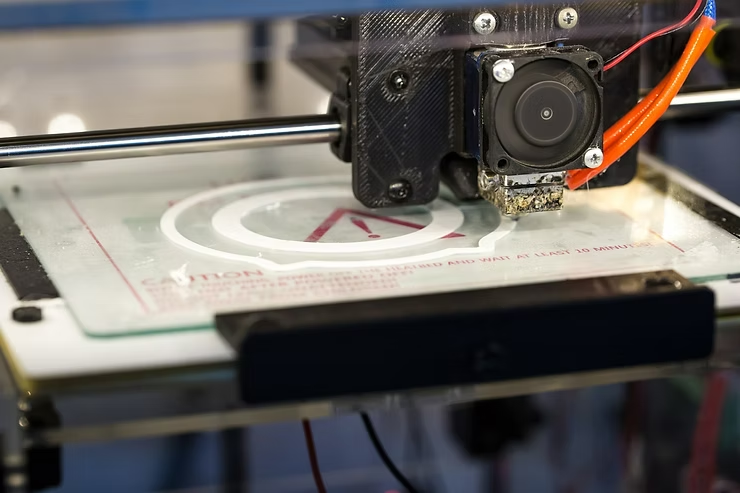
3D printing has been around for a while. Over the years, the technology has matured and 3D printers are no longer playthings of the rich. Nowadays, 3D printers are commercialized and sold at an affordable price. If you wish, you can easily order one online and create your own DIY 3D prints.
What can you do with a 3D printer?
3D printing technology is applied in multiple industries. Some common fields include medicine, manufacturing, architecture, art, and design. In Hong Kong, some companies offer 3D printing services and supply these industries with printed parts.
With a 3D printer, you can do the same thing too. It is possible to start a side business and earn a second income based on 3D printing commissions, or by selling printed design products on online platforms.
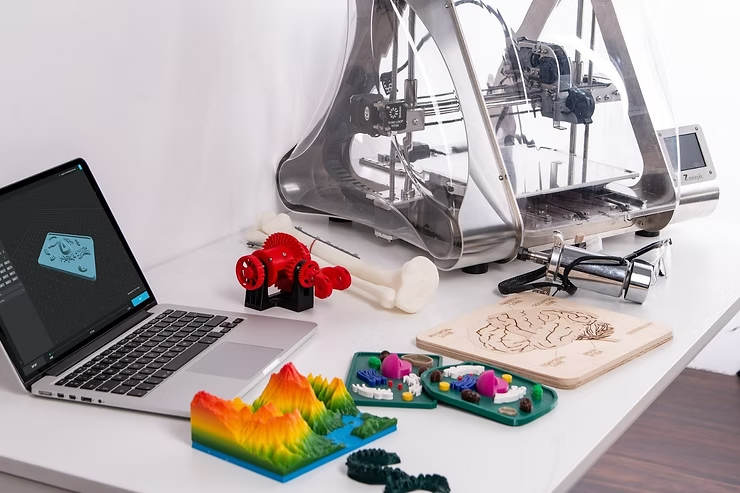
Alternatively, you can simply print objects for personal use. From plastic to food, you can print out spare furniture parts, customized figurines, ornaments, favorite dishes, and more.
- Cost Efficiency: Save on buying costs whenever you need to replace a missing screw or a broken doorknob.
- Customization: Gain the freedom to customize items to your liking. For example, you can make your own home decorations without spending hundreds on commissions.
- Hobbies: If you are an avid figurine collector, you can print your own characters instead of having to order them online.
What software can I use with a 3D printer?
Today, a lot of 3D design software supports 3D printing. Some common choices include Fusion 360, Tinkercad, and Blender. These programs all have their pros and cons, so feel free to check each one out to see which suits you best. In this article, we’ll focus on Blender, which we believe is the best free software choice for designers.
Why choose Blender?
Blender is open-source and hence completely free, with a clean and easy-to-use interface. It supports multiple file formats like USD, OBJ, FBX, and STL, which is more than some of its competitors. In addition, Blender enables the creation of detailed models using polygons, so there is no need to learn coding before you pick up the software. 3D modeling beginners and professionals alike will be able to create their desired objects and figures using Blender at minimal cost.
The 3D Printing Workflow
To 3D print your Blender files, simply follow these steps:
- Modeling: Create your design in Blender.
- Exporting: Export your Blender file as an STL file.
- Slicing: Use a 3D slicer software like Cura or PrusaSlicer to convert the file code into "instructions" for your 3D printer.
- Printing: You're all set to start your print!
Start Your 3D Printing Journey
If you are just starting out, we offer courses on Blender and 3D printing that provide detailed steps, examples, and practice opportunities. You won’t regret taking a look!
Krystal Institute specializes in promoting digital skills and educating the public about open-source software. For more information, visit our Facebook and Instagram, or contact us directly.
#3DPrinting #Blender #OpenSource #DesignTips #DIY #HongKongDesign