From traditional board games to present-day video games, game development has always been closely linked with technological advancements of the era. Presently, we live in an age where video games are not only easily accessible but also easily made. This is no longer a decade ago, when only large enterprises could afford to develop games. With the right tools and a burning passion, you can make your own games too.
Game Engines
Game engines are software that provide the basic framework for game development, typically offering tools and assets that aid developers to quickly build games without starting from scratch. Depending on your skill level and the type of game you want to create, you should carefully consider which engine to use. Here are a few popular picks for starters:
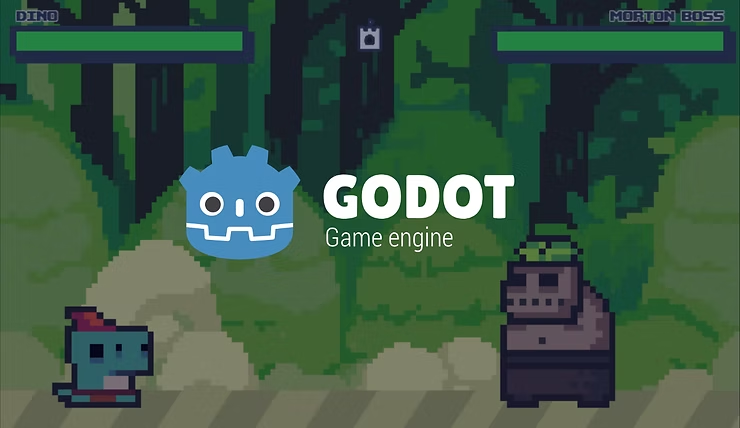
1. Godot
Godot is a completely free, open-source game engine that specializes in 2D game-making, with decent support for 3D games.
- Best for: Indie developers with a limited budget or amateurs with little experience.
- Pros: Relatively easy to learn, offers enough tools for a fleshed-out game, and supports several platforms.
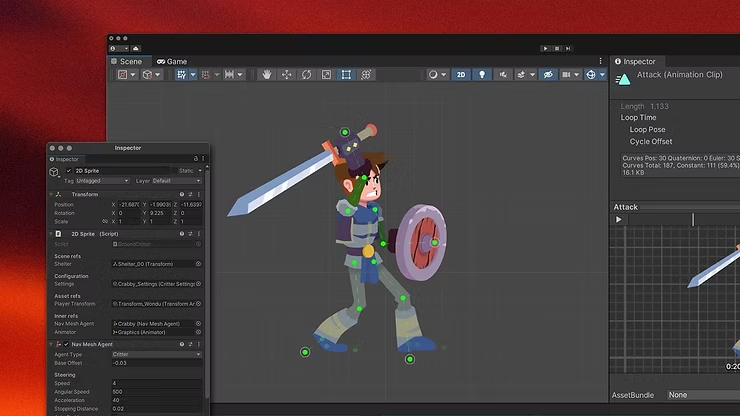
2. Unity
Unity is one of the most widely used game engines in the industry, utilized by indie developers and AAA companies alike.
- Best for: Both 2D and 3D games across multiple platforms.
- Pros: Extensive community support and industry-standard features.
- Note: Requires C# coding skills and experience. It is free for personal use, but advanced plans require a subscription, and royalties may apply once annual revenue exceeds a certain threshold.
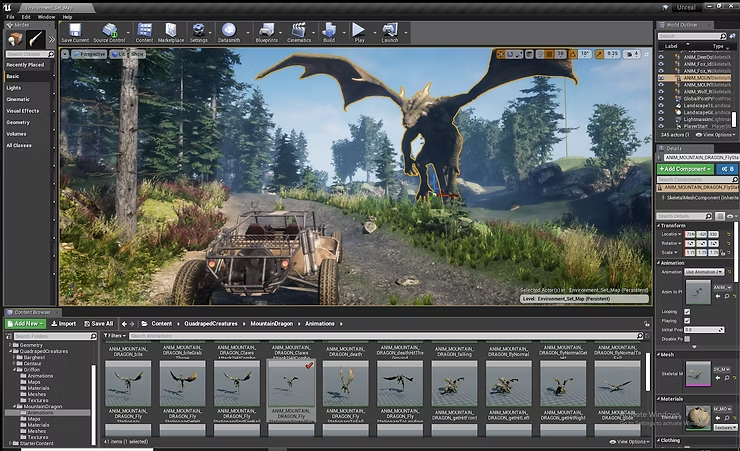
3. Unreal Engine
Unreal is a major, professional engine popular with AAA studios, famous for providing stunning graphics for 3D games.
- Best for: Experienced gamemakers and high-fidelity 3D projects.
- Pros: Features a "Blueprint" visual scripting system to help construct games without deep coding knowledge.
- Note: Free to use until revenue hits $1 million USD, after which a 5% royalty is required.
Asset Management
Game engines usually have their own asset shops for users to download or purchase items:
While some assets are free, many are locked behind paywalls. If you prefer not to purchase assets, you can import files from dedicated 3D modeling software.
3D Modeling Software
There are various 3D modeling tools that developers use to create quality models, animations, and backgrounds. Here are three popular choices:
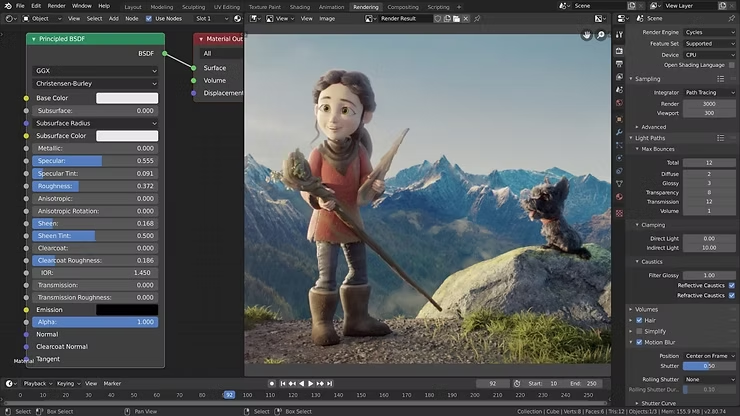
1. Blender
Like Godot, Blender is free and open-source.
- Pros: An excellent choice for small developers and hobbyists. It offers essential tools for modeling, shading, and animation that are on par with much more expensive software.
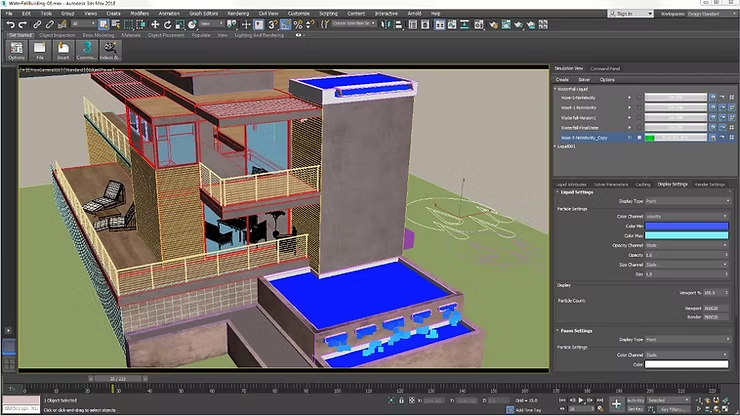
2. 3ds Max
3ds Max is a professional software specializing in modeling, texturing, and meshing.
- Pros: The go-to software for architectural assets. Its rigging process is relatively simple and easy to pick up for those new to animation.
- Note: Operates only on Windows.
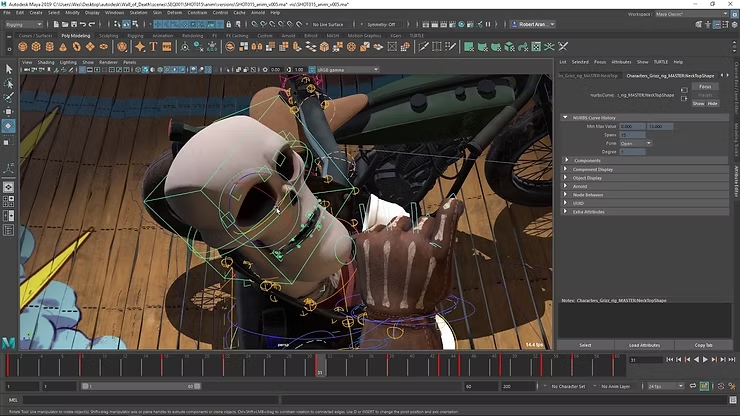
3. Maya
Maya is widely considered the best tool for making fluid game animations and complex rigs.
- Pros: Designed to handle complicated toolsets for large-scale projects and operates on multiple platforms.
- Note: May take more time for beginners to master due to its complexity.
Start Your Game Dev Journey
Now that we’ve reached the end of this article, you probably have a better understanding of some of the best game development software in the market (if you’re not already using them!). If you’re new to game-making and would like guided practice on some of these software, check out these courses about Blender, 3ds Max and Maya!
Krystal Institute specializes in promoting digital skills and educating the public about open-source software. For more information, visit our Facebook and Instagram, or contact us directly.
#GameDev #Godot #Unity #UnrealEngine #Blender #3dsMax #Maya #OpenSource