Business & Productivity
Effortlessly translate PDF, DOCX, ODT, and TXT documents with AI.
Automatically generate complete slide presentations in PPT or PDF format from text prompts.
Search the live web to gather data, synthesize information, and write structured research reports.
Extract key insights, executive summaries, and action items from long documents instantly.
Draft, reply to, and polish professional business emails tailored to specified tones
Powered by DeepSeek. An AI business consultation tool providing market analysis, strategic advice, and decision support.
Reasoning, Coding & Language
An advanced reasoning assistant powered by DeepSeek-R1 for complex problem solving and math.
An intelligent coding assistant powered by 01.AI LLM architecture to help write, debug, and explain code.
Analyze image details, recognize visual elements, and answer questions based on picture content.
Translate text contextually across dozens of languages with high precision and natural tone.
Detect grammatical mistakes, refine phrasing, and enhance writing readability in real time.
Image Generation & Editing
Generate images using MOSS Image based on prompts or custom layouts
Generate and edit images with Flux 3
An AI image generation tool is suitable for generating designs and creating images with transparent backgrounds.
An image model in the Qwen family that balances generation quality, inference efficiency, and cost.
Generate campaign-ready visuals from text prompts using open-source Boogu-Image models.
A native AI image model focused on aesthetic quality, style referencing, and moodboard control.
Generate editable, photorealistic 2K images with precise layout control and multi-language text rendering.
Create photorealistic images and perform granular edits with multi-reference image guidance.
A lightweight open-source model optimized for ultra-fast AI image generation.
An interactive canvas tool for real-time brush-guided image editing and manipulation.
Swap and blend facial features between photos naturally to produce high-resolution realistic images.
Create artistic, scannable QR codes blended seamlessly into custom AI artwork.
Image Enhancement & Processing
Elevate image clarity, remove noise, colorize black-and-white photos, and upscale resolution up to 4K effortlessly.
Supports seamless image background extension.
Upscale video and image resolution in real time using NVIDIA RTX AI.
An advanced AI tool designed for high-quality image and video upscaling.
Automatically isolate subjects and remove image backgrounds with one click.
Remove unwanted elements or replace selected regions in an image seamlessly.
Video & 3D Generation
Generates smooth 3D human and robotic motion directly from text prompts.
The Pixal3D model supports single‑image input to generate textured 3D models.
The Hunyuan 3D 2.1 model supports input from a single image or multiple views to generate textured 3D models.
Using LTX 2.5 model to generate high-quality videos through text prompts quickly and realistically.
Using MiniMax model to generate high-quality videos through text prompts quickly and realistically.
Generate realistic 3D character animations and motion sequences based on mesh2motion.
Generate concise marketing and short-form videos quickly from prompts or script text.
Generate consistent multi-angle view images of a single object from a single source image.
Reconstruct textured 3D mesh models from multiple angles of 2D reference images.
Animate static images into dynamic, natural-looking videos guided by text prompts.
Convert a single 2D image into a usable 3D asset model in seconds.
Animate portrait images with realistic facial expressions and movements from driving videos.
Audio & Voice
Generate custom audio sound effects and short ambient audio clips from text descriptions.
High-quality music with a complete structure is generated using the MiniMax Music 3 model.
Generate full-length music tracks and rich sound effects from descriptive text prompts.
Convert text into natural, expressive, and human-like spoken audio.
Clone any voice from a short audio sample to generate realistic multi-lingual speech.
Course
Introduction
Select tools
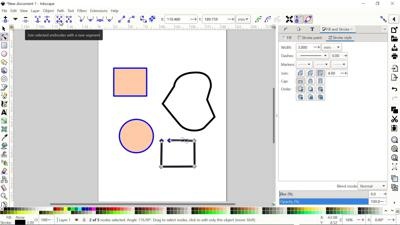
Edit paths tools
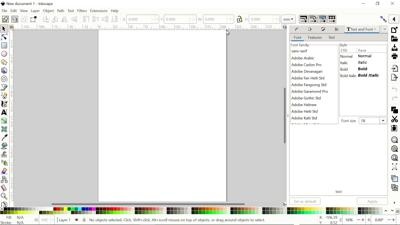
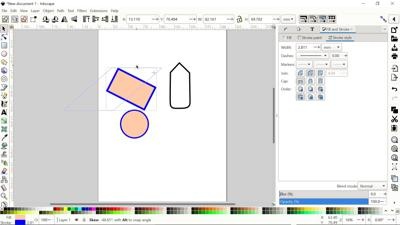
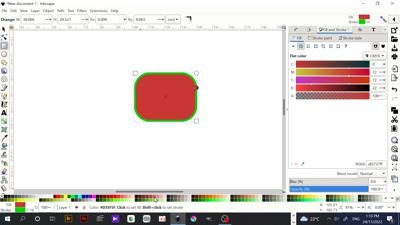
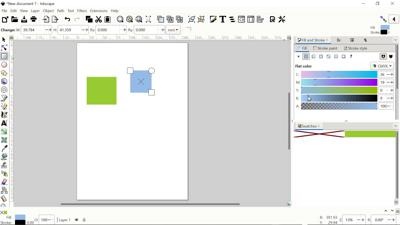
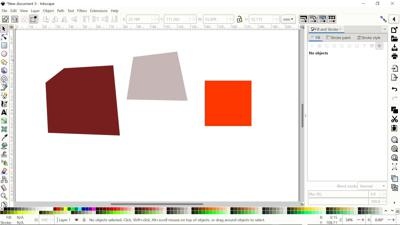
Create rectangles and squares
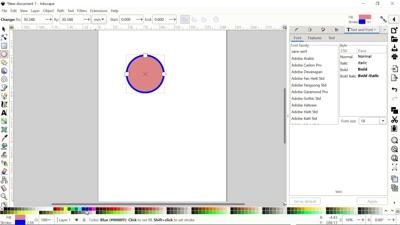
Create circles
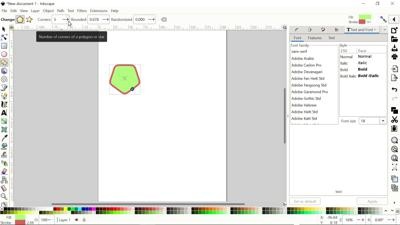
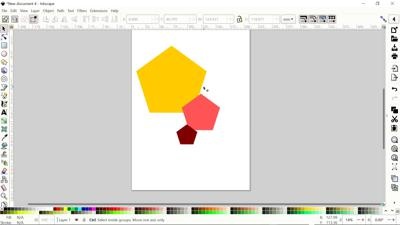
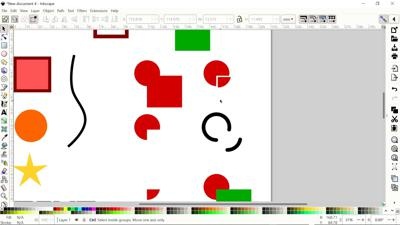
Create stars and polygons
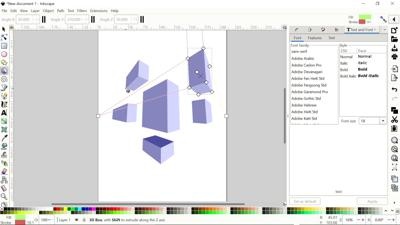
Create 3D Boxes
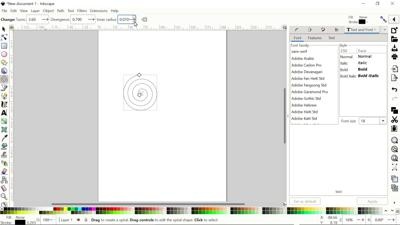
Create Spirals
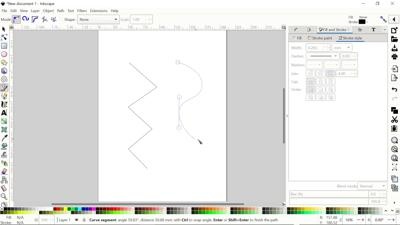
Draw Bezier curves and straight lines
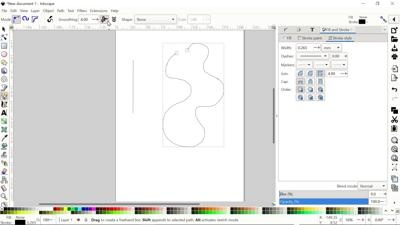
Draw freehand lines
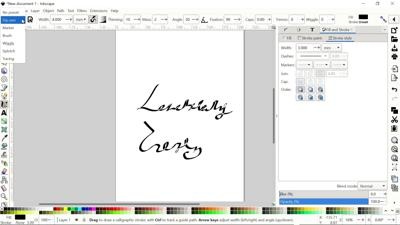
Darw Calligrphic and strokes
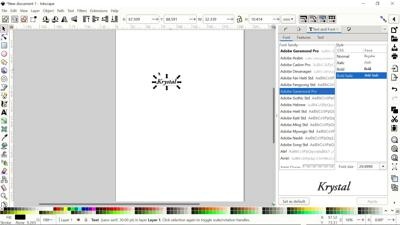
Create and Edit fonts
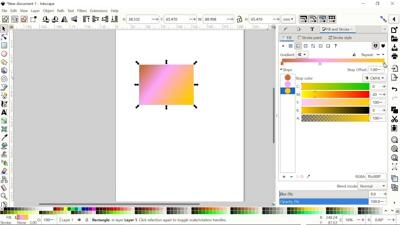
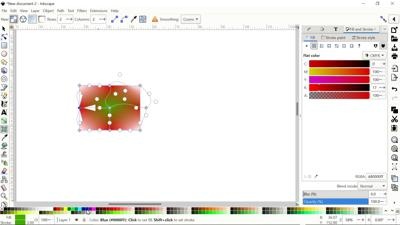
Create and Edit Gradients
Create and Edit Mesh
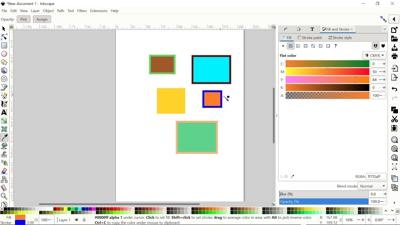
Pick Color from Images
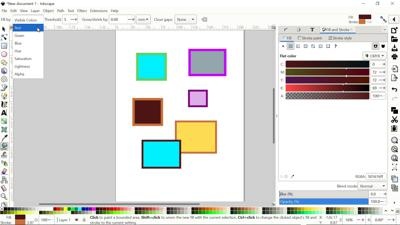
Fill Bounded Areas
Tweak Objects by Sculpting and Paint
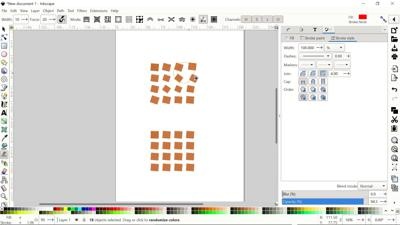
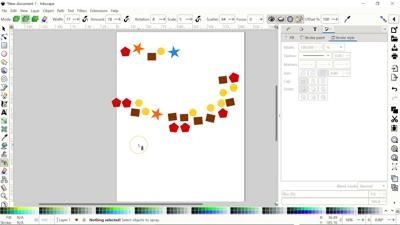
Spary Copies and Clones of Objects
Erase Objects and Paths
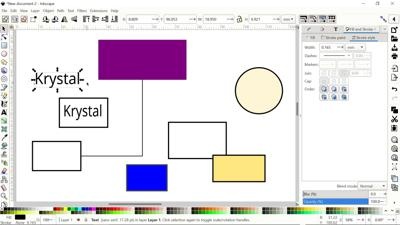
Create Diagram and Connectors
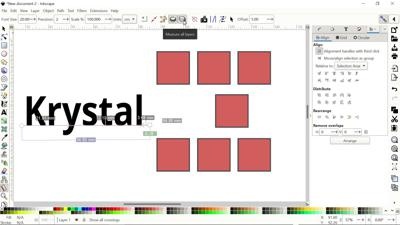
Measure Objects
Zoom In or Out
Create and Edit Document Page
Layout Overview and Dockable Menu
File Menu List
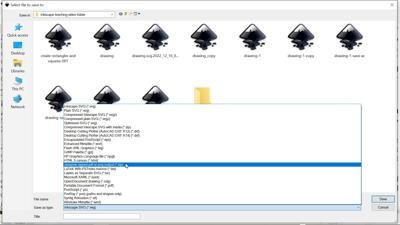
File Format
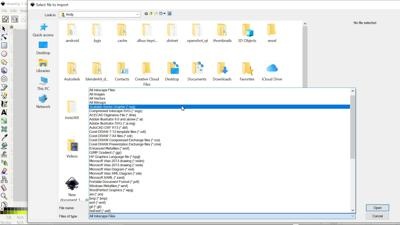
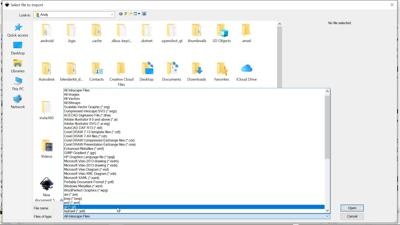
Import File
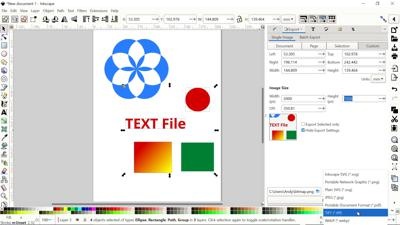
Export Image
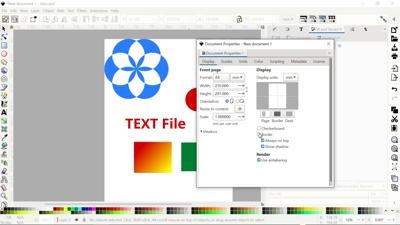
Document Perporties
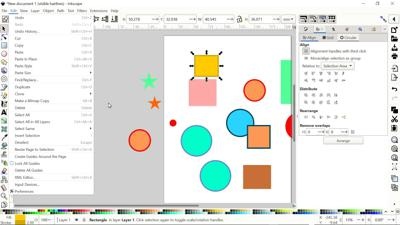
Edit Menu List
Copy and Paste
Duplicate and Clones
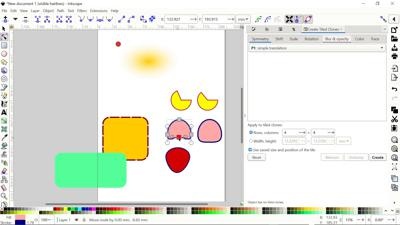
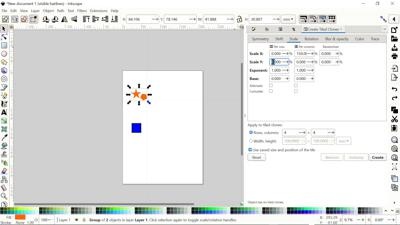
Tiled Clones
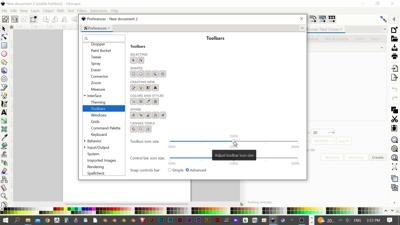
Preference
View Menu list
Rotating The Canvas
Creating Swatches
Layer Menu List
Object Menu List
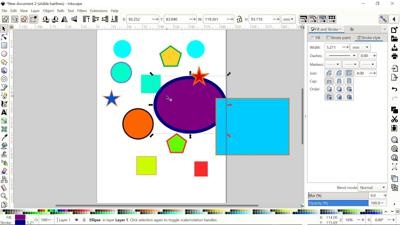
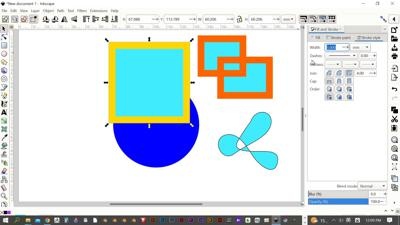
Fill and Stroke
Markers
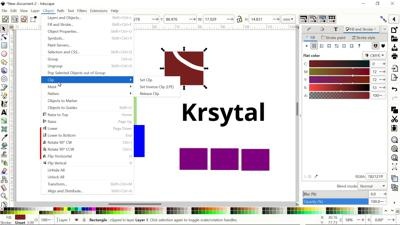
Clipping Paths
Masking
Inverse Clips and Masks
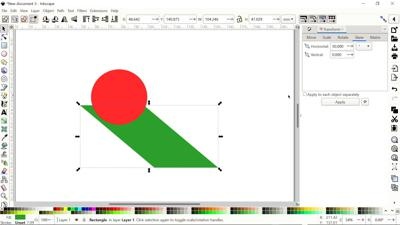
Transform Tool
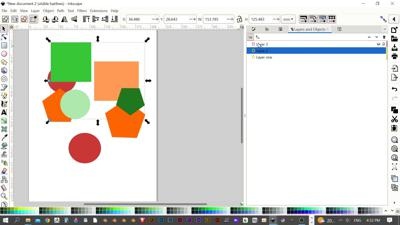
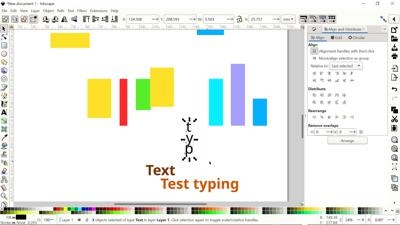
Aligning and Distribue
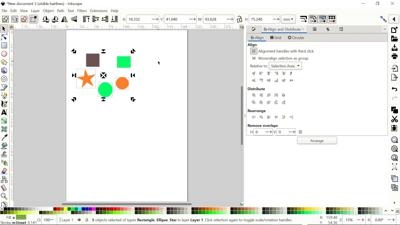
Quick Alignment
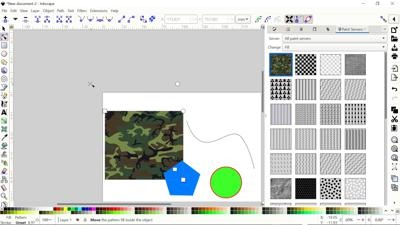
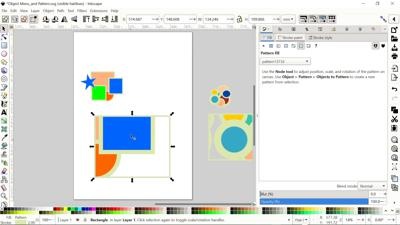
Pattern
Path Menu List
Stroke To Path
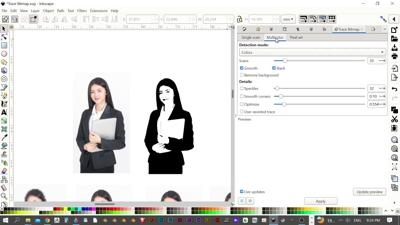
Tracing Bitmaps
Path Effects
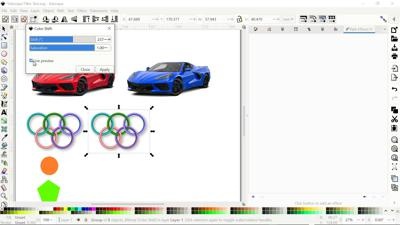
Filters Menu List
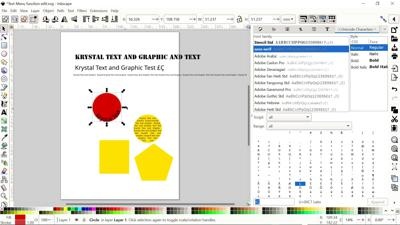
Text Menu List
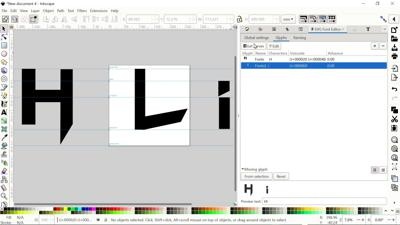
Creating Fonts
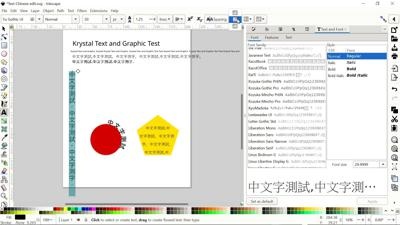
Chinese Fonts Edit
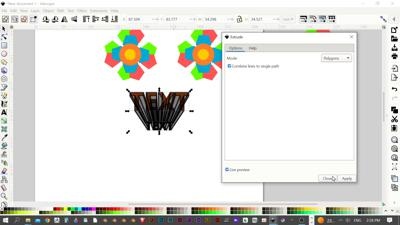
Extensions Menu List
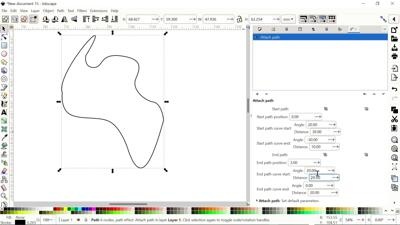
Path Effects – Attach Path
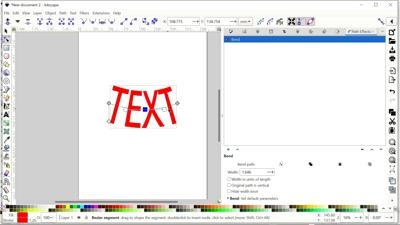
Path Effect – Bend Path
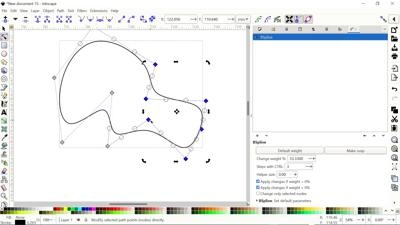
Path Effects – Bspline
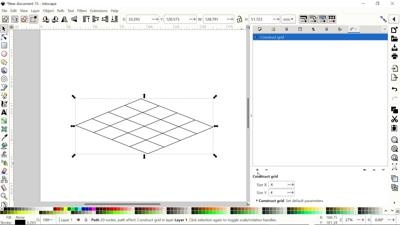
Path Effects – Construct Grid
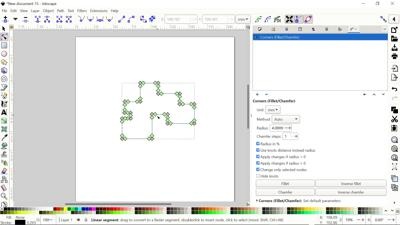
Path Effects – Corners(Fillet and Chamfer)
Path Effects – Dashed Stroke
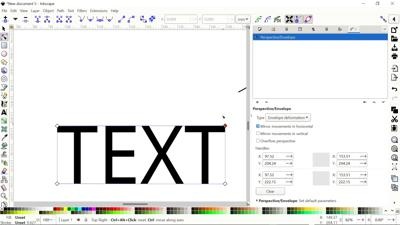
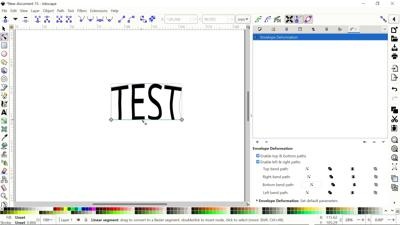
Path Effects – Envelope Deformation
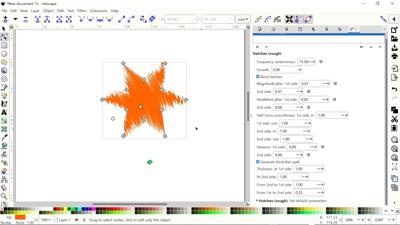
Path Effects – Hatches
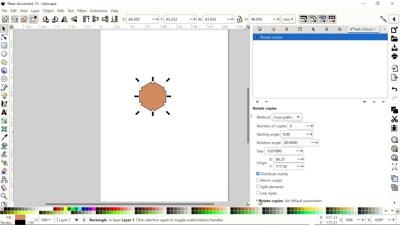
Path Effects – Roate Copies
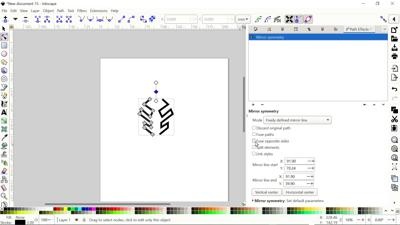
Path Effects – Mirror
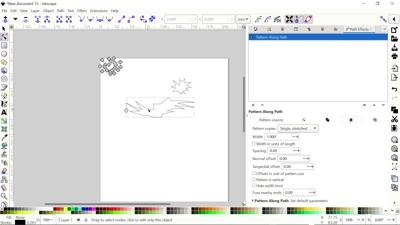
Path Effects – Pattern Along Path
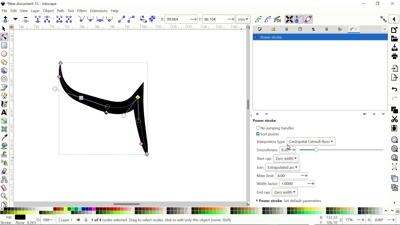
Path Effects – Power Stroke
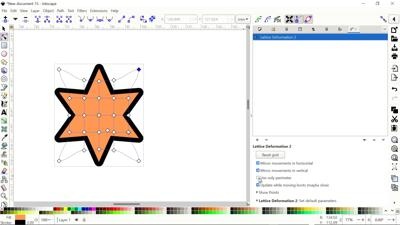
Path Effects – Lattice Deformation2
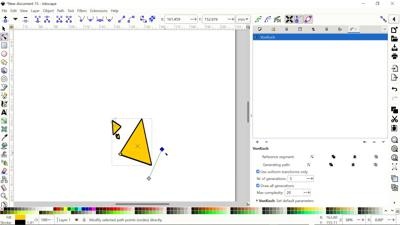
Path Effects – VonKoch
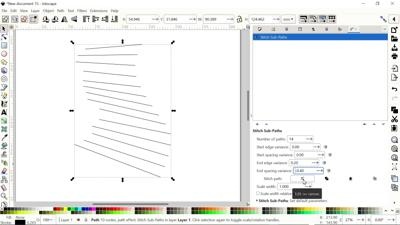
Path Effects – Stitch Sub-Paths
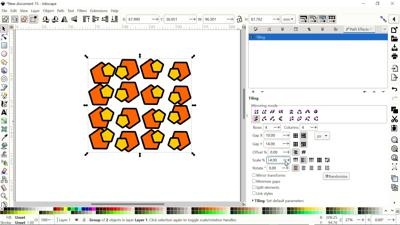
Path Effects – Titing
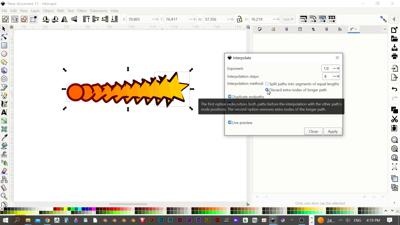
Extensions – Generate from path (Interpolate)
Krystal Graphic Tools
Total duration: 6 hours