Blender Add-ons for Simulation and Visual Effects
- Duration
- 20 Hours
- Language
- Chinese
- Category
- Creative Design
- Course code
- SC_006
Learning outcomes
- check_circle Gain a deeper understanding of Blender's capabilities
- check_circle Understand the functions and features of Blender's simulation and visual effects add-ons
- check_circle Be able to use these plug-ins to create visual effects independently
Description
This course will introduce five plug-ins for Blender simulation and visual effects.
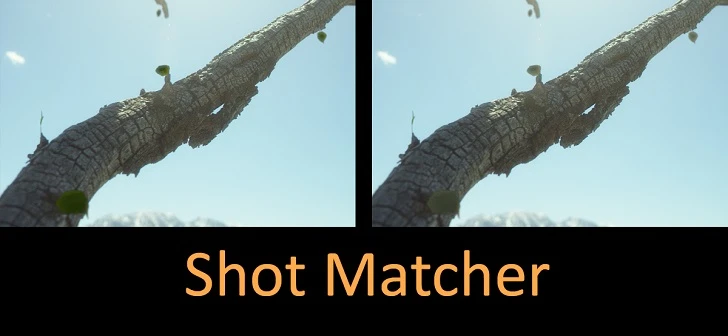
The first is the Shot Matcher add-on, which speeds up the image merging workflow by analyzing the color ranges of an image or video. The second is Advanced Ocean Modifier, a plug-in that allows artists to create a fully animated ocean in Blender in a very short period of time. The third is the Nebula Generator, a performance-enhanced add-on that allows you to more easily adjust the appearance of nebulae by changing parameters and settings, such as the color and texture of galactic dust. Fourth is the Khaos add-on, which allows filmmakers and 3D artists to simplify their particle and explosion creation process with a few clicks. Finally, the FLIP Fluids plugin helps you set up, run, and render liquid simulations.
Students will learn the functions of these add-ons step-by-step through practical examples and will be able to use these techniques independently to create effects by the end of the course.